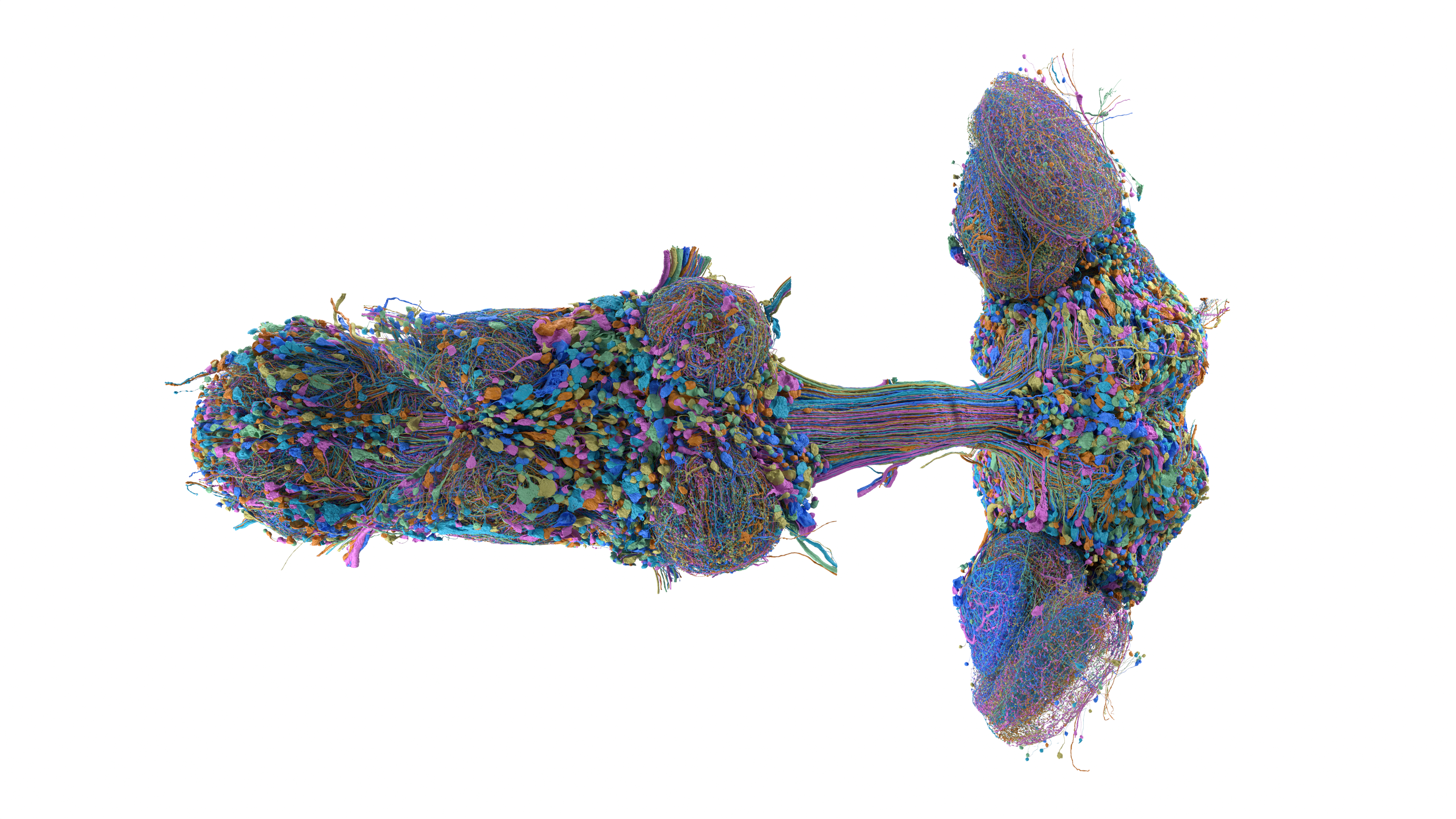
/ THE SHORT ANSWER
- 01Choose the tool according to the question, not its visual complexity.
- 02Distinguish microscopy images, meshes, skeletons and connectivity tables.
- 03Save versions, cell identifiers and filters with each finding.
/ dotSuper point of view
A good first session should produce one reproducible observation, not just an impressive screenshot.
Pick the tool that matches the question
These are different views of research evidence, not competing measures of intelligence.
A connectivity table can answer a question that a beautiful 3D image cannot.
Choose one task before opening the interface.
For example, inspect a named cell type's partners, examine a reconstructed structure or compare an annotation across resources.
| Your question | Start with |
|---|---|
| Which cells connect to this cell? | neuPrint and its connectivity tools |
| How is this cell annotated? | Clio or the project's cell-type resources |
| Where is the reconstructed structure? | Neuroglancer |
| How do selected male and female types compare? | Dimorphism Explorer |
| Which files can I analyze locally? | The official Download page |
A small first-session plan
Keep its exact identifier rather than substituting a familiar-sounding label.
Inspect the surrounding context and the linked metadata.
Note whether the view shows individual cells, cell types or anatomical regions.
Record any thresholds applied to the connections.
Finish by writing one sentence that the view actually supports.
'These listed partners appear under this query' is a reproducible observation.
'This is the fly's decision center' would require much more evidence.
- Record the resource and dataset version.
- Save the cell identifier or type name.
- Write down the selected filters and thresholds.
- Preserve a shareable scene or query link where the tool supports it.
- Keep the original source and required credit with a screenshot.
Do not confuse the different downloads
A visually light representation is not the same thing as the underlying imaging data.
The Download page documents access to the resource and includes programmatic examples.
Follow that documentation for the current dataset identifier and any authentication requirements.
For an introductory analysis, a small table or selected set of structures is often more manageable than an entire volume.
That is a scope recommendation, not a promise about a particular file size or download speed.
Save enough context to revisit the finding
Someone else may be unable to reconstruct what it shows.
Our suggested notebook record includes the question, source link, date accessed, dataset version, object identifiers, transformations and interpretation.
Keep the observation separate from the hypothesis.
If a visualization suggests a functional explanation, record what additional study would be needed rather than presenting the explanation as already established.
Credit the research, not just the website
Attribution requires appropriate credit, a license reference and an indication of changes.
Software and separately supplied media can have their own terms.
Check the relevant asset's notice instead of assuming that a dataset license applies to every logo, video or third-party image.
Do not place a research institution's branding where it implies endorsement of your article or business.
A clear credit should identify the source without suggesting a commercial partnership.
- Use the source link rather than a reposted copy when possible.
- Describe selections and transformations in the caption.
- Avoid sharing credentials or access tokens with a saved query.
- Ask a domain expert before treating an exploratory observation as a scientific conclusion.
What this page cannot conclude
- 01Interfaces and access requirements can change. The official project documentation is the current operational reference.
- 02This is an introductory navigation guide, not a validated scientific analysis or an instruction to download restricted data.
- 03Prepared with AI assistance from the named research sources. dotSuper did not conduct these experiments, independently reproduce the studies or obtain an endorsement from the research institutions.
Sources
- 01Explore the MaleCNS connectomeMaleCNS project · accessed Sep 15, 2026
- 02MaleCNS downloads and programmatic accessMaleCNS project · accessed Sep 15, 2026
- 03MaleCNS release notesMaleCNS project · accessed Sep 15, 2026
- 04Dimorphism ExplorerMaleCNS project · accessed Sep 15, 2026
- 05Creative Commons Attribution 4.0Creative Commons · accessed Sep 15, 2026
- 06MaleCNS research media galleryFlyEM / HHMI Janelia and collaborators · accessed Sep 15, 2026
Our editorial standard · Found an error? Send a correction with its source.
/ CITE OR SHARE THIS GUIDE
Make the evidence easy to verify.
When you reference this guide, link to its canonical URL. That gives readers one stable place for the evidence, limitations and future updates.
dotSuper Research Desk. (September 15, 2026). How to Explore the Fly Brain Map Yourself. dotSuper. https://dotsuper.net/feeds/applied-systems/explore-download-fly-brain-map
What Fly Brain Maps Mean for Human Research
Continue with a different question in our source-linked fly-brain series.
Read the next explainer